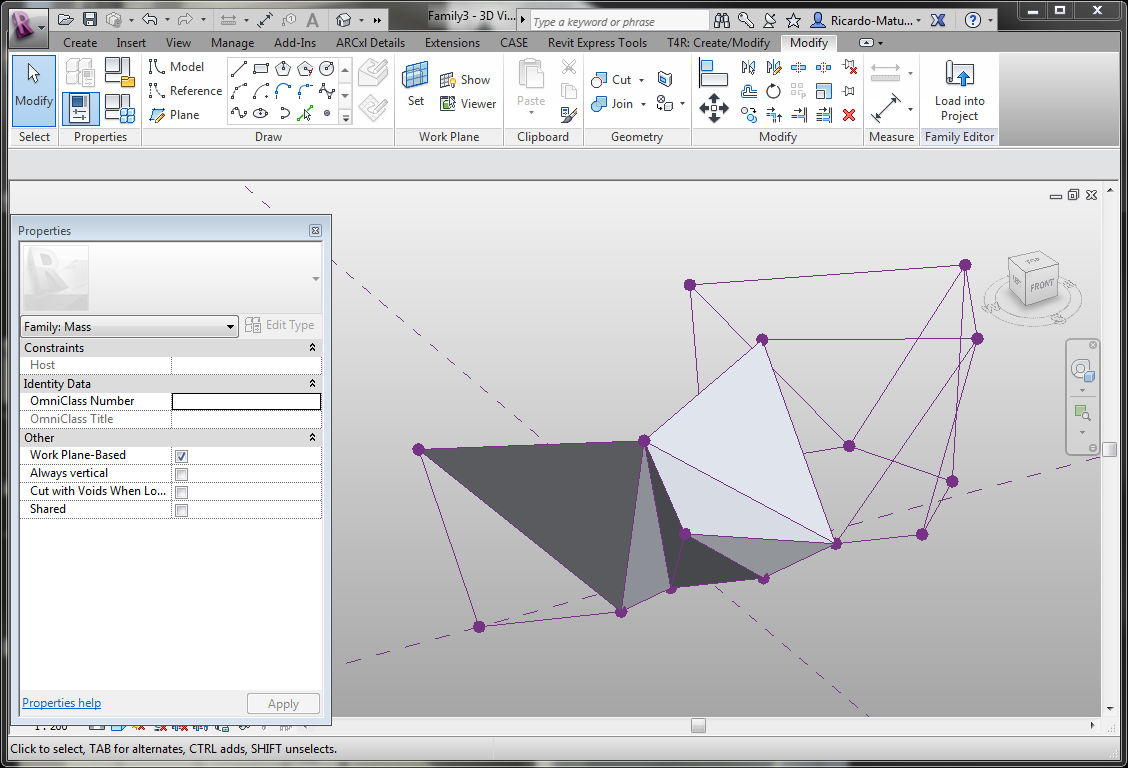
Click on Link Below for Video
http://www.screencast.com/t/NgGGpOADpo
Steps:
- Convert Mesh to Nurbs
- Select Surfaces
- Click on Export
- Change Format to ACIS (.sat)
- Open project or project that will be linked into main project file.
- Create an in place mass
- Insert by Linking SAT file Origin to Origin or Center to Center. Depends on how you created the Rhino file. Note that sometimes the export scale may be different when importing. If it is too small reinsert adjusting scale settings. If it is large then just scale using type.
- Finish Mass
- Go to manage Object style, select the imported object layer and change name from 0 to whatever makes sense in your project. Change the material if required.
- Link file to main model.
It is important to export and import each item on its own if you wish to have different materials or visibility graphics.
Also you may have to break the file down into various pieces since Revit limits the import at 2000 faces.